
What is Role-Based Access Control
Role-Based Access Control (RBAC) is an access management framework that governs what users can view and perform within a system, based on their assigned role. In RADAR, each user is assigned a role that defines their level of access to platform features, configuration settings, and operational actions.
RADAR supports three user roles:
- Admin — Full platform access, including user management and organization-level configuration.
- Standard — Full operational access to platform features, with configuration scoped to the environment level.
- Viewer — Read-only access to platform pages, simulation results, reports, and remediation data.
What You'll Learn on This Page
On this page, you'll learn about the three user roles available in RADAR, the permissions and capabilities associated with each role, and how to add and manage users within the platform.
Admin Settings
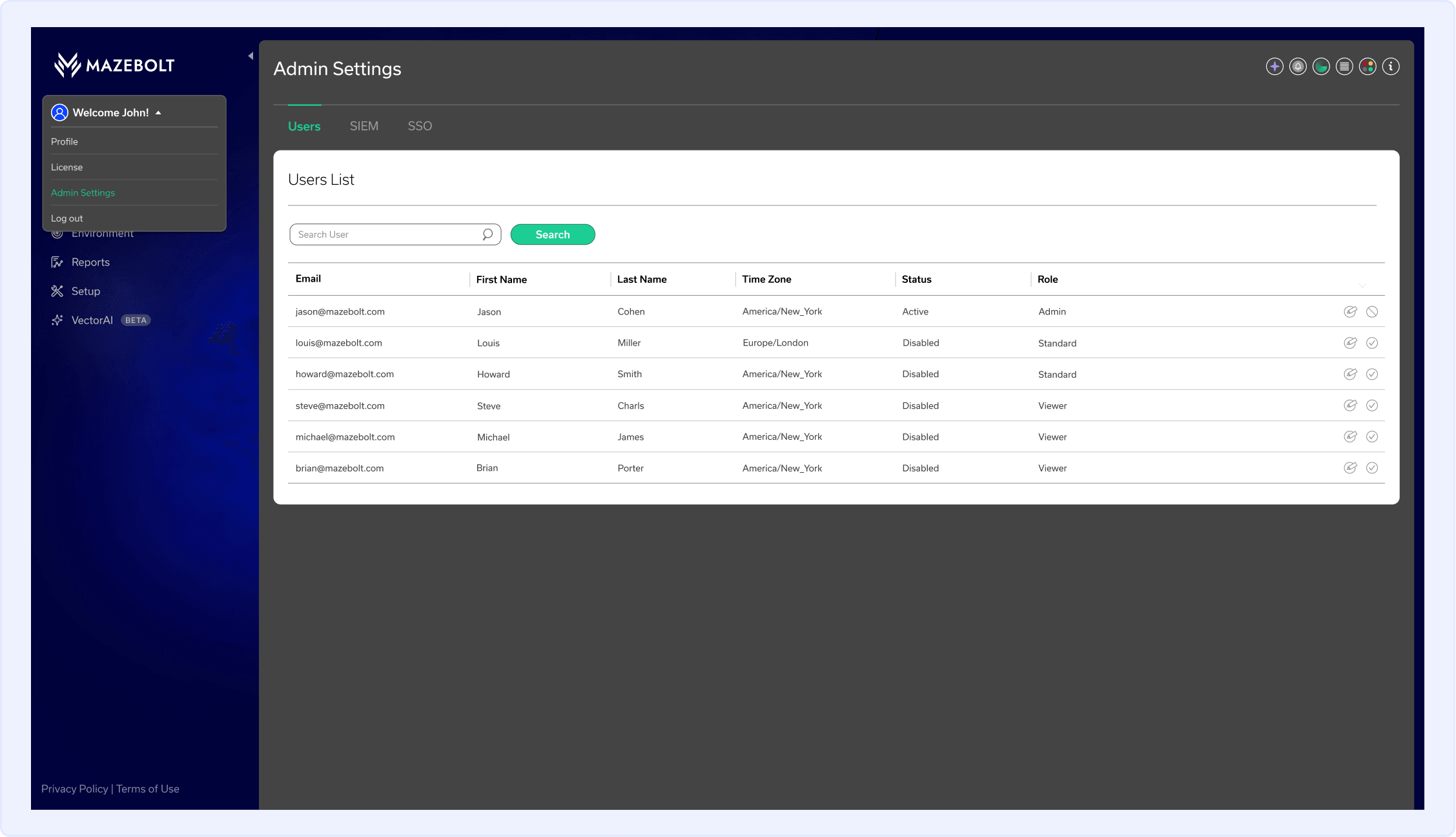
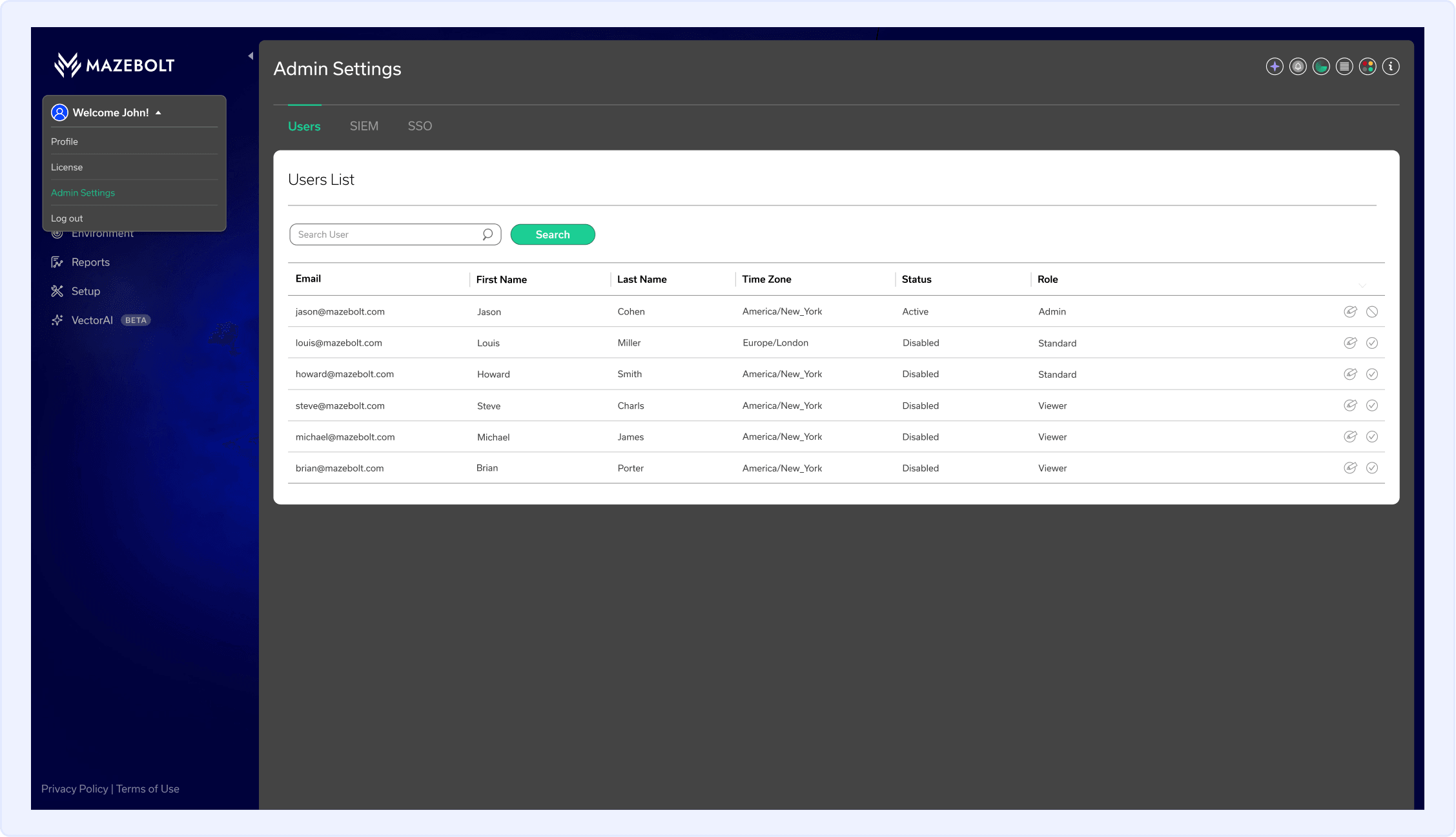
The Admin role has full access to the RADAR platform, including organization-level configuration and user management. Admin users can manage users across all organization environments, configure SIEM login audit settings organization-wide, and configure SSO.
How to Access Admin Settings in RADAR:
- In the top-left corner of the screen, click the User icon.
- Select Admin Settings.
Admin Settings include three configuration tabs. Click each tab to configure its settings:
Users
Manage users across all organization enviroments.
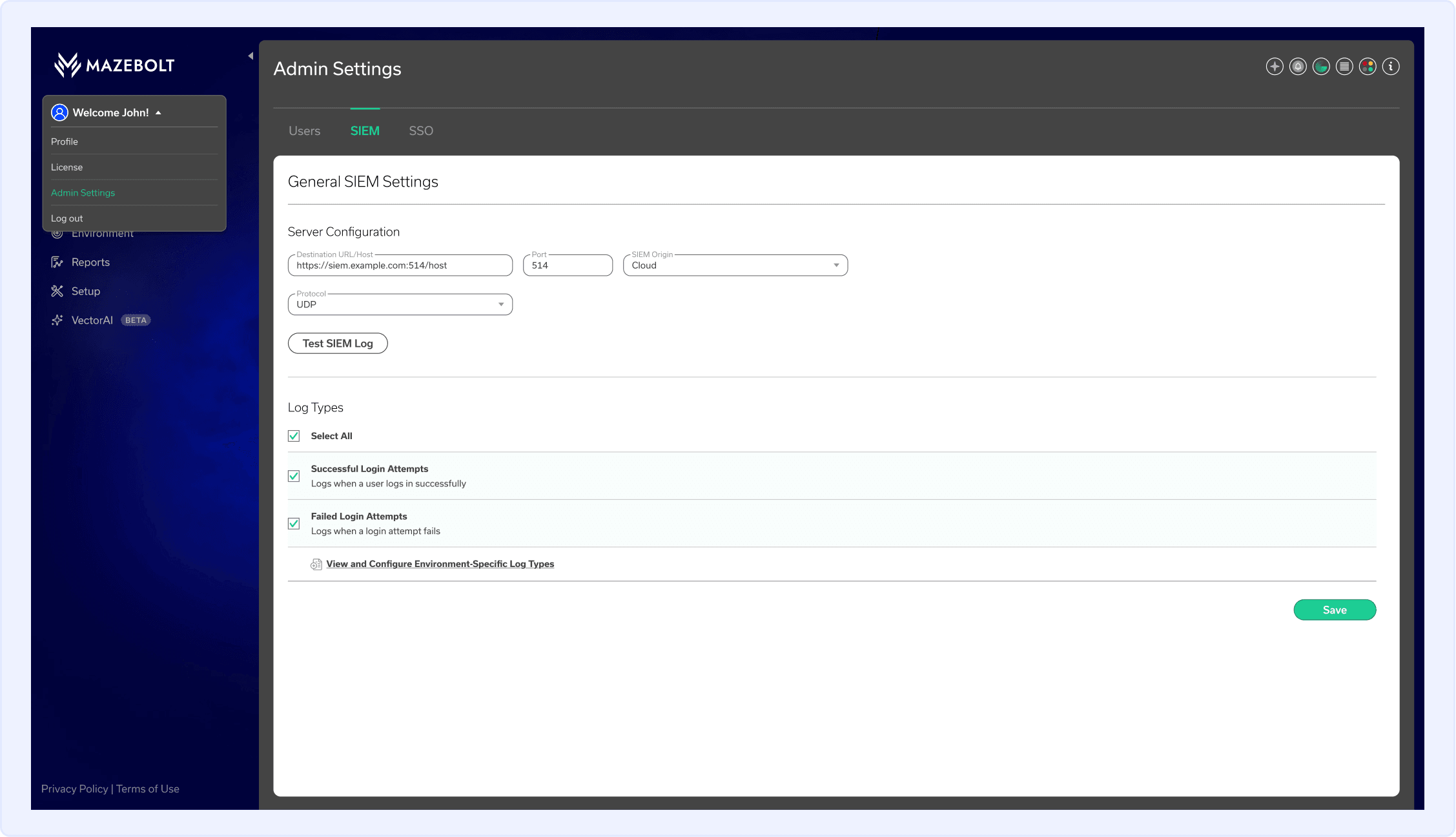
SIEM
Configure all SIEM settings, including the Login Audit log, at the organization level.
For more information on configuring SIEM, navigate to: How to Configure RADAR SIEM Logs.
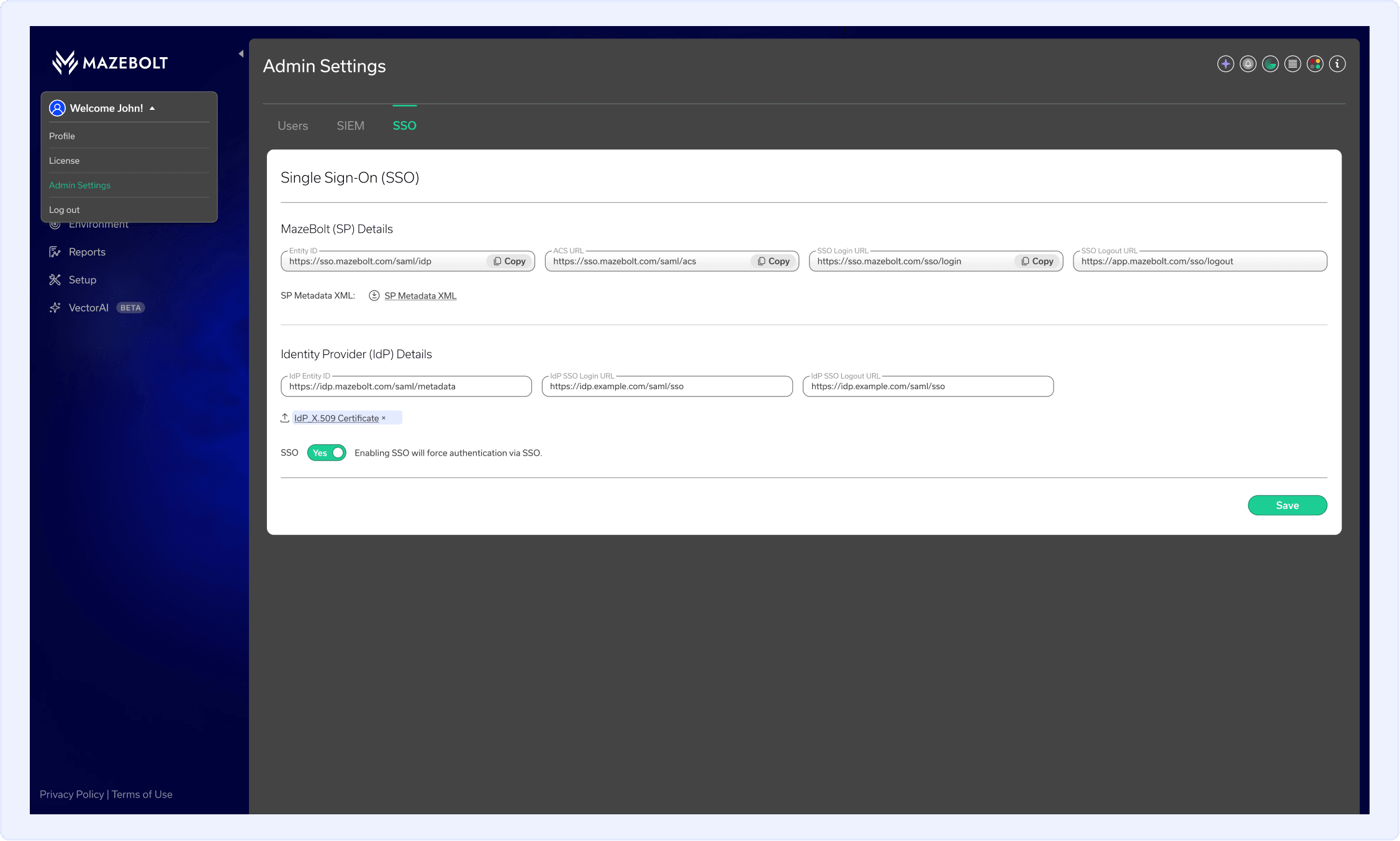
SSO
Configure Single Sign-On for the organization.
For more information on configuring SSO, navigate to: Setting Up Single Sign-On (SSO) in RADAR.
RADAR User Roles & Permissions
| Capability | Admin User | Standard User | Viewer User |
|---|---|---|---|
| Manage Users Across Environments | Full Access | No Access | No Access |
| Configure Environment-Specific SIEM Logs Settings | Full Access | Full Access | No Access |
| Configure Login Audit SIEM Logs Settings | Full Access | No Access | No Access |
| Configure Single Sign-On (SSO) | Full Access | No Access | No Access |
| Create, Edit, and Delete Mitigation Profiles | Full Access | Full Access | Read-Only |
| Assign and Configure Network Interfaces | Full Access | Full Access | Read-Only |
| Add, Edit, and Remove Targets | Full Access | Full Access | Read-Only |
| Schedule and Manage DDoS Simulations | Full Access | Full Access | Read-Only |
| Review Remediation Progress and Protection Status | Full Access | Full Access | Read-Only |
| Document Remediation History Steps | Full Access | Full Access | No Access |
| Generate AI-Powered DDoS Attack Vectors | Full Access | Full Access | No Access |
| Review Generated Attack Vectors in the Attack Library | Full Access | Full Access | No Access |